
WeMap
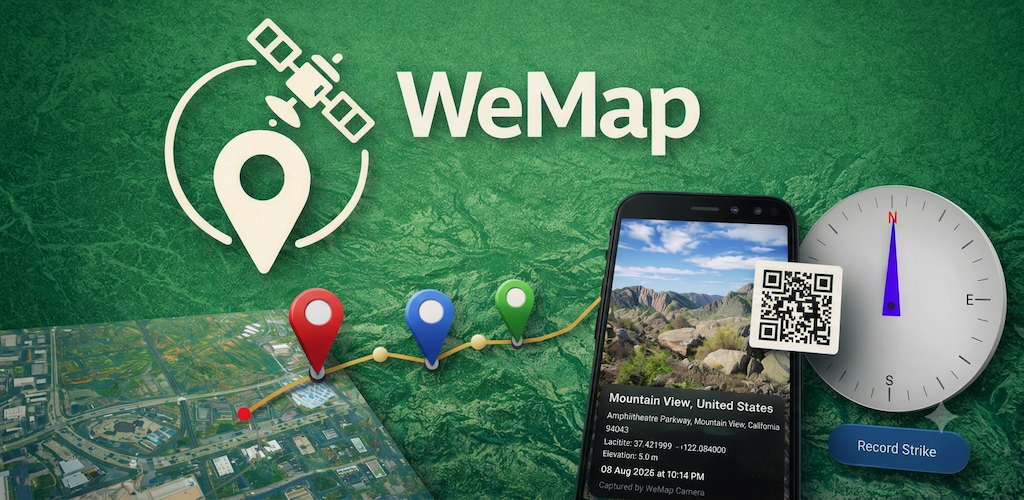
App Features & Capabilities
📍 Waypoints & Polylines
Edit, save, and share individual or collective waypoints and polylines with total ease.
🗺️ Multiple Map Formats
Switch seamlessly between satellite, terrain, and customized map views to suit your exploration needs.
🌐 KML/KMZ Compatibility
Import, edit, and share KML/KMZ files. Fully compatible with Google Earth and desktop GIS software.
🪨 Geology Toolkit
Measure strike and dip of formations directly in-app with precise location, altitude, and CSV export (no physical Brunton compass required).
🗂️ Waypoint Management
Auto-segregated lists, live distance and bearing calculations, drag-to-reorder, coordinate search, and zoom/share/delete options.
📸 Geotagged Photos
Capture photos with date/time/location metadata and dynamic Apple Maps QR codes.
Android EnhancementsToggle minimap, show/hide QR code, and control UI panel opacity.
Privacy Policy
1. Introduction
WeMap respects your privacy. This section explains how the app handles your data safely on your device.
2. Data Collection
WeMap does not collect any personally identifiable information from users.
- Location Data: Used strictly in real-time to render position, distances, and bearings. Location data is never stored on external servers or shared with third parties.
- Imported Files: All imported KML/KMZ files, edits, and recorded data remain locally on your device.
3. Data Sharing
WeMap does not sell or share data with third parties. All records stay under your local control unless you explicitly choose to export or share them.
4. Third‑Party Services
WeMap utilizes the Google Maps SDK for map display rendering. Google may collect anonymized service diagnostics in accordance with their privacy policies.
5. Data Security
Because all data remains local, device-level security (Android OS encryption and permissions) handles safety. No cloud transmission occurs automatically.
6. Your Choices & Controls
You can remove cached files within the app or uninstall WeMap anytime to instantly delete all associated local storage.
Feedback & Contact Us
We welcome your input! You can share feedback directly within the app's Feedback Integration module or reach out via email:
📧 Email: we.explore@zohomail.in